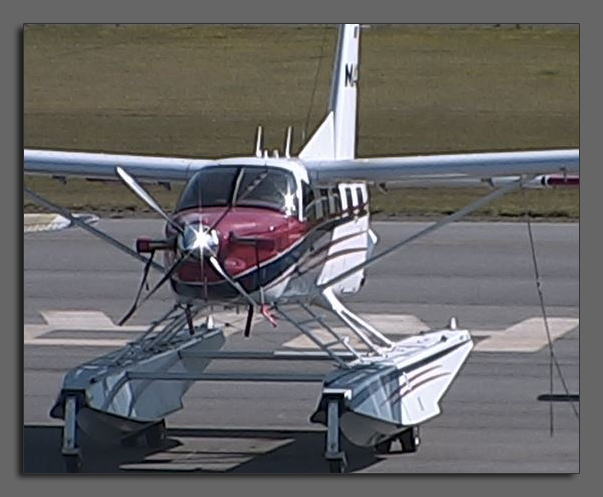





Boundary County Airport Webcam
This Camera is provided courtesy of Boundary County Airport and Northern Air Inc. Webcam is a Cannon VB-C60 and is mounted on a steel post above the main Northern Air hanger. If you are interested in having a live webcam mounted in your area please Contact Us.
Recently seen: one of the Quest Kodiak planes owned by Mission Aviation Fellowship.